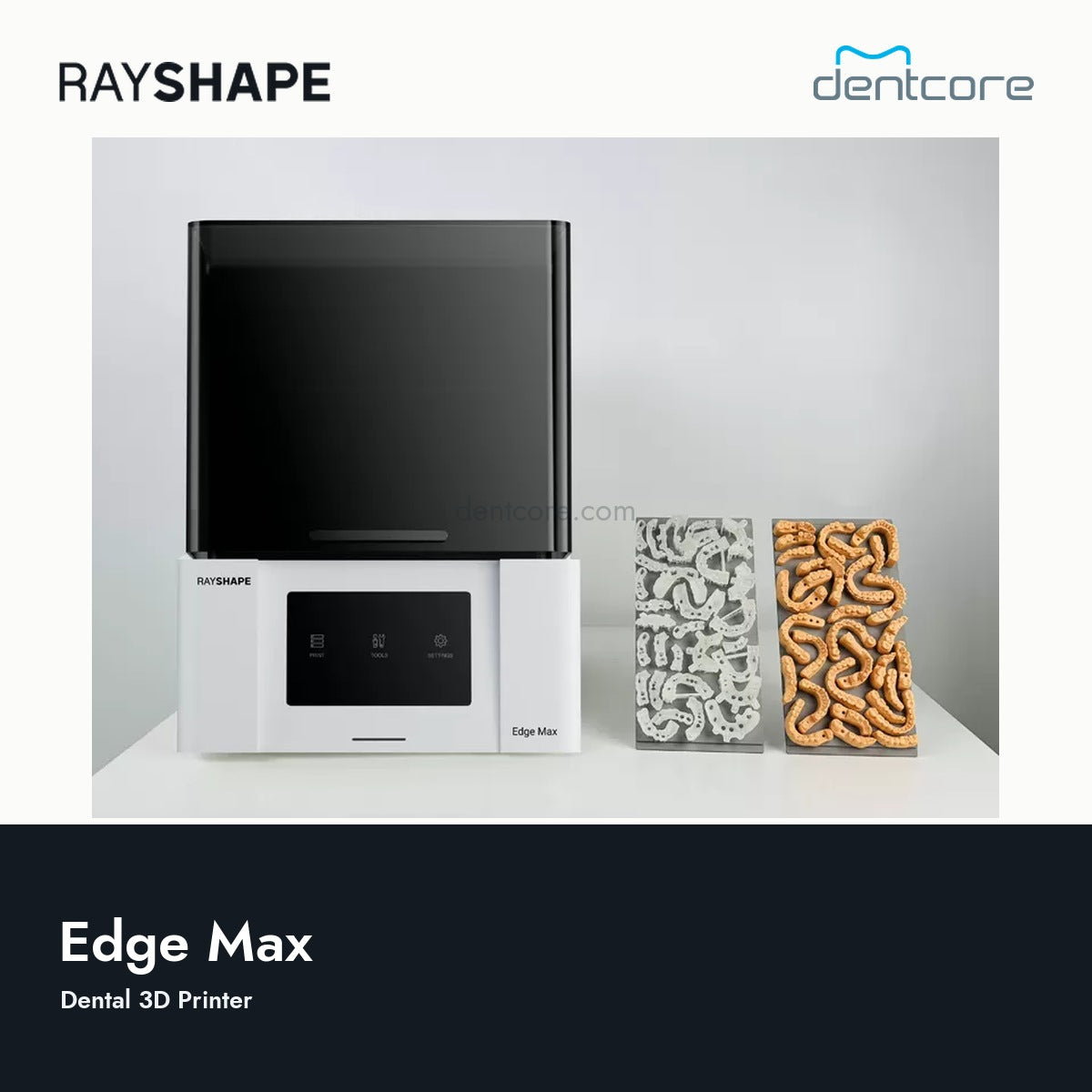
Larger production area
Arrange multiple models and supported parts within a 290 x 160 x 190 mm build volume.
RAYSHAPE
Couldn't load pickup availability
RAYSHAPE / Edge Max
A large-format dental LCD printer with a 290 x 160 mm build area, 7K screen and network connectivity for laboratory production.
Arrange multiple models and supported parts within a 290 x 160 x 190 mm build volume.
A 10-inch touchscreen, USB, Wi-Fi and Ethernet support direct operation and network job transfer.
ShapeScrape is a separate automated print-removal accessory. Confirm the platform and accessory configuration before ordering.
Layer height and material profiles are linked. XY pixel size describes the LCD resolution, not the accuracy of every finished part.
Specific materials listed by RAYSHAPE for this model.


Model-specific compatibility list checked September 28, 2026. A listed material does not mean every resin, shade or indication from that brand is supported. Match the exact material, printer profile and validated curing unit; US clinical use must follow the material's current US labeling and IFU.
Choose the material for the job, then confirm its profile for Edge Max.
 Model 1Everyday dental models
 Model ProDetailed working models
 Model WWWater-washable dental models
 Model XERigid dental model production
 Soft Pink 2.0Flexible gingiva masks for models
 Cast-WaxPatterns for investment casting
This is an application guide, not a blanket compatibility claim for all six materials on every printer. Confirm the exact profile before purchase or printing.
Wear the protective equipment specified by the resin safety data sheet. Mix and condition the resin as directed. Check the tank, film and clean build platform.
Select Edge Max, the exact resin and shade, then the supported layer height. Orient the part, add supports and review the job before printing.
Use the resin's prescribed cleaning agent and wash duration. Model WW has a water-wash process; do not apply it to other resins. Dry completely.
Use the curing unit and cycle validated for that resin. Remove supports at the stage specified by its instructions; inspect fit and surface quality.
Exposure time, wash duration and curing settings are resin- and equipment-specific. Do not copy a cycle from another brand, shade or curing machine.
Compare ShapeWash 020S and 040S. Confirm the permitted cleaning medium and part capacity for the selected process.
Match the resin to its validated cure unit. Explore post-processing. ShapeCure D, D mini and D+ must not be treated as interchangeable profiles.
Keep the platform, tank film and optical surfaces clean. Use the printer manual for tank inspection, leveling and replacement procedures.
Technical data sheets describe material properties; use the current instructions for use (IFU) and validated profile for processing settings.