Prepare
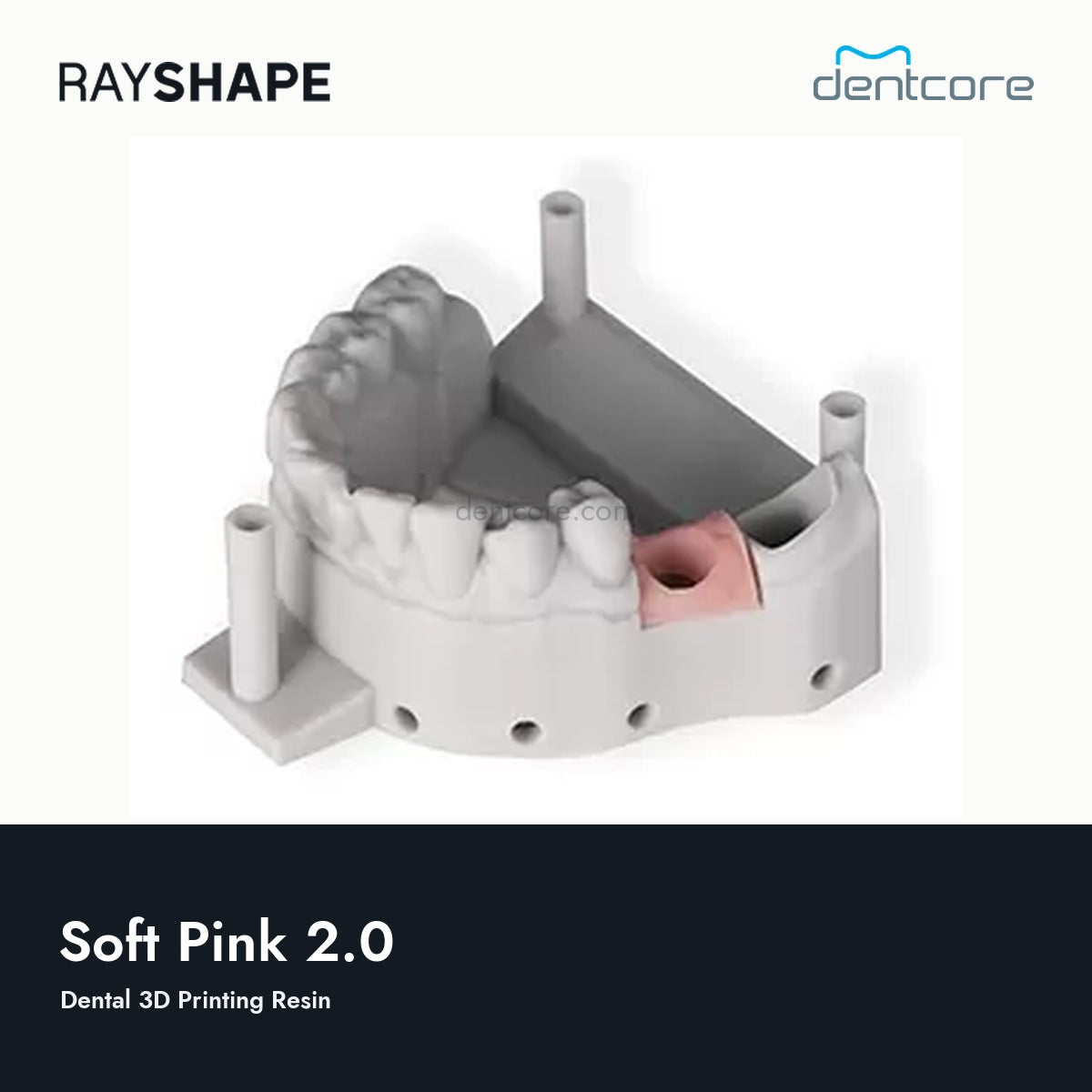
Prepare the gingiva component and its mating model separately. Select the Soft Pink 2.0 profile for the confirmed printer.
Print
Orient and support the part for its geometry, then review the sliced job. Use only the matching printer, material and layer-height profile.
Clean
Clean with the specified process for Soft Pink 2.0. Handle thin flexible features gently during removal and cleaning.
Finish
Complete the prescribed drying and post-cure steps before assembling the gingiva mask with the model. Check its fit without forcing thin features.

![RAYSHAPE Soft Pink 2.0 official resin bottle | Dentcore [rayshape-resin-bottle-first-v1]](http://dentcore.com/cdn/shop/files/01-soft-pink-official-bottle-dentcore.jpg?v=1785874640&width=1946)

![RAYSHAPE Soft Pink 2.0 official resin bottle | Dentcore [rayshape-resin-bottle-first-v1]](http://dentcore.com/cdn/shop/files/01-soft-pink-official-bottle-dentcore.jpg?v=1785874640&width=1445)