exocad subscription for implant restorations: plan the case deliverables
An implant case can require a screw-retained restoration, a separate abutment, a bar or a printed model. List those deliverables before choosing an exocad monthly subscription. Each adds a different design task, and the module needed for one output may not cover the next.
For a laboratory receiving implant scans, start with the work your team will design and the files your production partner expects. This keeps the software decision tied to the case arriving at the bench.
Screw-retained crowns and custom abutments
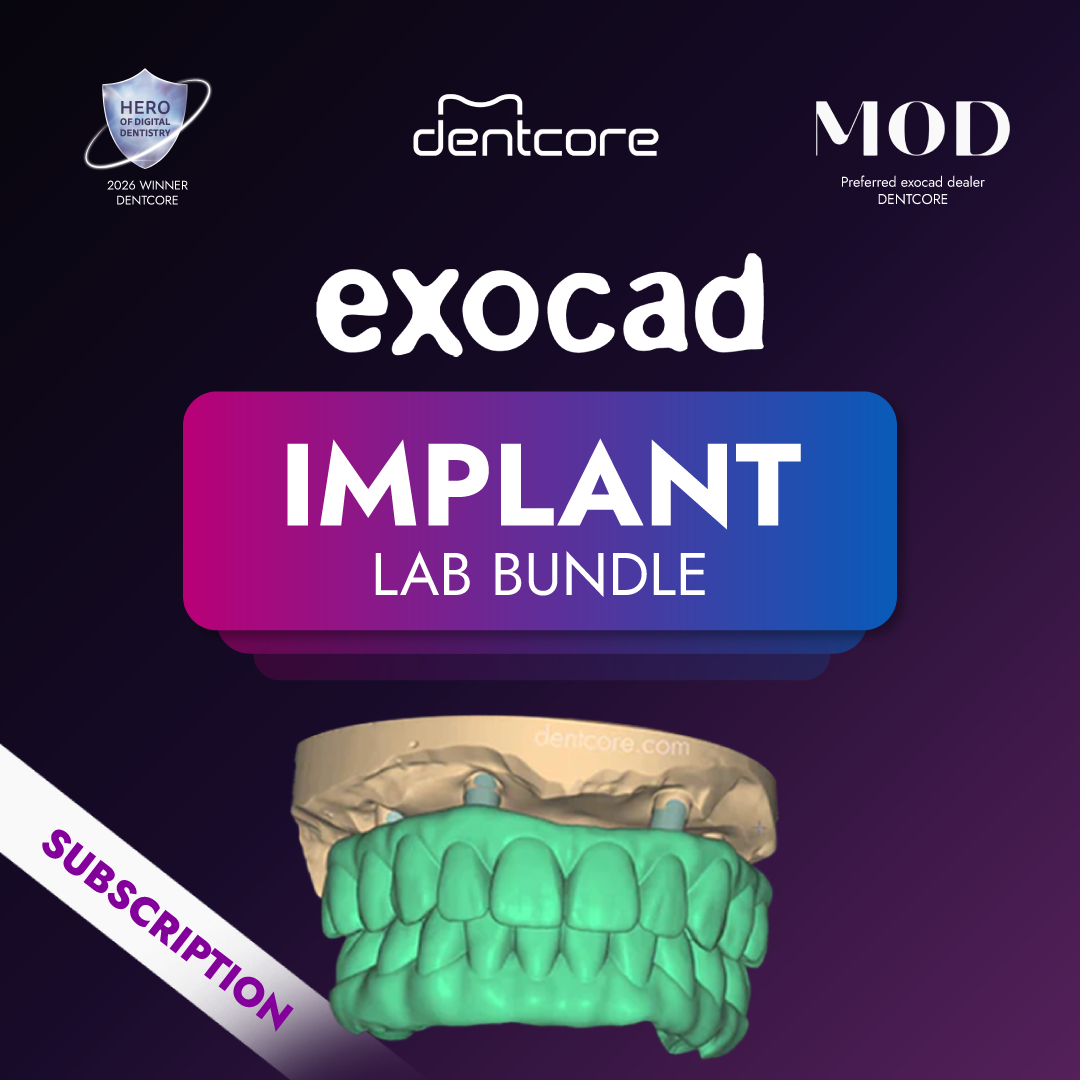
exocad's Implant Module supports screw-retained crowns and bridges, custom abutments, and abutment and suprastructure design within one CAD session. It also supports angulated screw channels. The selected component system and its current library determine the available component-specific choices.
For a crown bonded to a titanium base, record the prescribed component and the restoration output. For a custom abutment with a separate crown, record both outputs and who will manufacture each. That distinction helps the designer and milling center agree on the job before the design starts.
The Dentcore Implant monthly plan currently includes Core plus Implant Module, Bar Module, DICOM Viewer, Virtual Articulator, Provisionals, TruSmile and the ZRS tooth library. Use that list as the starting point for the required license configuration.
When the prescription includes a bar
Bar design has its own module. exocad describes tools for editable bar profiles, attachments and retention elements, with the bar designed in relation to the anatomical restoration. A bar-supported case therefore adds a design task beyond a screw-retained crown or bridge.
Write down whether your laboratory will deliver the bar, the overlying restoration, or both. Then agree with the receiving manufacturer on the required output. The phrase full-arch does not identify those deliverables by itself. The current Implant monthly plan lists Bar Module, but a complete production workflow still needs the appropriate scan, components and manufacturing process.
Add the implant model to the same case list
A laboratory may design an implant crown in-house and also need a model with a lab analog and removable gingiva mask. exocad describes that model workflow as the combination of Model Creator and Implant Module. Include both when the model will be designed on this workstation.
Model Creator is not listed among the included modules on the current Implant monthly product page. The Ultimate monthly plan explicitly lists Model Creator as well as Implant and Bar. If your committed work includes these models, review that requirement before placing the license order.
If a production partner supplies the model, establish who performs the model design and what files they need from your laboratory. Owning a printer and licensing the model-design workflow are separate purchasing decisions.
Keep surgical planning in the correct workflow
exoplan handles implant planning, while its Guide Creator module handles surgical-guide design. DentalCAD handles the restorative design work. These workflows can connect, but a restoration order and a surgical-planning order have different software requirements.
The DICOM Viewer listed in the Implant monthly bundle does not establish that exoplan or Guide Creator is included. Dentcore lists the planning options separately on the subscription page. For a case that includes both a surgical guide and a final restoration, identify which team is responsible for each stage before configuring the software.
Check the handoff before activation
Use a permitted training case that represents the intended production work. Match the scanbody, implant connection and restorative component references to the selected library. Ask the manufacturing partner to review the proposed files and component selections through its normal acceptance process.
For US custom-abutment production, exocad directs users to the abutment 510(k) holder for information about their regulatory obligations. Include the relevant component supplier or production center in that review. Software access alone does not settle the requirements for manufacturing the device.
Dentcore's current monthly subscription terms state no upgrades or downgrades after purchase. Choose the required module coverage before ordering. A software-version update and a change to the purchased bundle are different things.
For the broader package decision, read the exocad subscription bundle guide. After the configuration is settled, the first-month setup plan covers library installation, representative cases and production handoff.
Review the implant workflow configuration
Check the current module list and bring your planned restoration, bar and model requirements to the configuration review.
View Implant monthly planFor reference only. Specifications, pricing, module availability and subscription terms may change. Confirm the current configuration before purchase and follow the applicable software, component and manufacturing instructions. Clinical decisions remain with the treating dental professional.