
Post-processing dental 3D prints: FabWash and FabCure 2 guide
A 3D printed dental appliance comes off the printer as a "green part." It's fragile, covered in uncured resin, and not biocompatible. Post-processing is what turns it into something you can put in a patient's mouth.
There are two steps: wash (remove uncured resin) and cure (harden the part with UV light and heat). Shining 3D makes a dedicated machine for each.
Step 1: FabWash
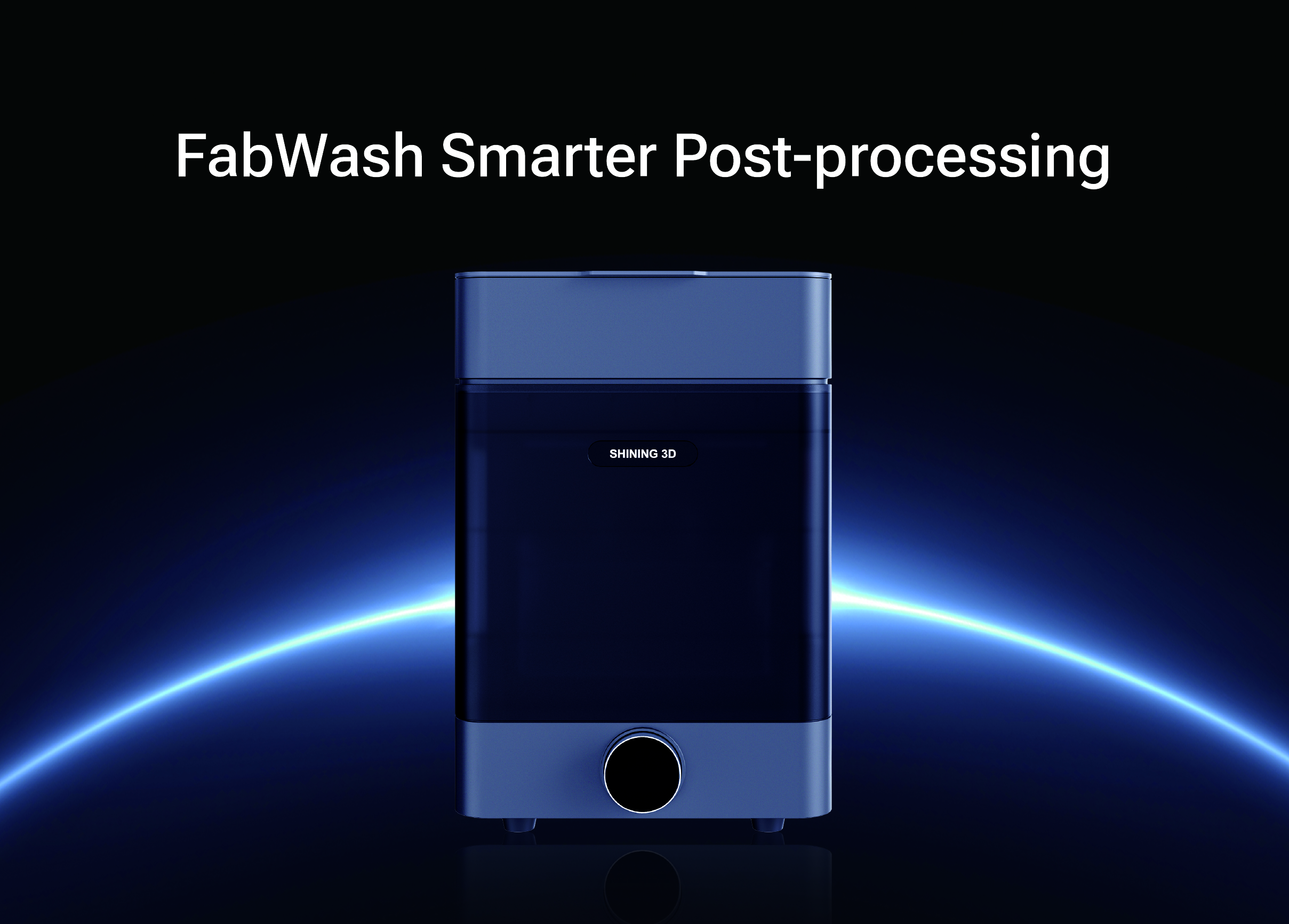
FabWash
Automated wash and dry
The FabWash is a fully automated wash and dry system. You place the build platform in, close the lid, and it does the rest: releases the parts from the platform, washes them, and dries them. No scraping, no hand-washing in IPA baths.
| Spec | FabWash |
| Max part size | 199 x 124 x 180mm |
| Dimensions | 340 x 303 x 450mm (750mm open) |
| Weight | 15 kg |
| Minimum solvent | 3 liters |
| Compatible solvents | IPA, >75% alcohol, water (material-dependent) |
| Agitation | Magnetically coupled impeller |
| Connectivity | Wi-Fi (OTA updates) |
| Compatible printers | AccuFab D1s, L4D, L4K, CEL, F1 (F1 needs adaptor) |
| Price | $2,799 |
The FabWash comes with pre-programmed wash and dry cycles for each Shining Dent resin. Select the material, and it sets the right duration and agitation level automatically. You can also create custom profiles.
Practical notes: the system prompts you to replace the solvent after about 10 uses. For transparent materials (SS01 soft splint, SH01 hard splint), always use fresh alcohol. Reused solvent leaves a haze on clear parts that won't come off.
Step 2: FabCure 2
.png)
FabCure 2
UV post-curing unit
After washing, the part needs UV curing to reach its final mechanical properties. The FabCure 2 uses 30 multi-directional LEDs, so the part cures evenly without needing a rotating turntable. Ceramic heating reaches up to 60C for resins that require heat-assisted curing.
| Spec | FabCure 2 |
| Curing volume | 210mm diameter x 180mm height |
| Dimensions | 290 x 290 x 367.5mm |
| Weight | 10.5 kg |
| LED power | 70W total (30 LEDs) |
| Wavelength | 385-405nm (peak 405nm) |
| Max temperature | 60C (ceramic heating) |
| Connectivity | Wi-Fi (cloud material library updates) |
| Price | $1,099 |
Post-cure times by resin
| Resin | Application | Cure time | Temperature |
| CB11 | Temp crown & bridge | 10 min | 60C |
| DT02 | Denture base | 10 min | 60C |
| DM03/DM12 | Model resin | 7 min | Ambient |
| SG01 | Surgical guide | 5 min | Ambient |
| SH01 | Hard splint | 6 min | 60C |
| SS01 | Soft splint | 7 min | Ambient |
The complete workflow
Print, wash, cure, done
- Print on AccuFab (CEL, F1, L4D, or L4K)
- Transfer build platform to FabWash (direct fit, no part removal needed)
- FabWash auto-releases parts, washes, and dries
- Move parts to FabCure 2
- Select resin profile or use custom settings
- Cure completes in 5-10 minutes depending on material
- Part is ready for finishing (polishing, staining, delivery)
Total post-processing time for most applications is under 20 minutes, most of which is hands-off.
What about nitrogen curing?
Shining 3D also makes the FabCure N2, a nitrogen-atmosphere curing unit. Nitrogen displaces oxygen during curing, which eliminates the sticky, under-cured surface layer (oxygen inhibition layer) that standard UV curing can leave behind. The result is harder, more consistent surfaces without additional polishing.
The FabCure N2 uses 365nm UV (compared to 405nm in the standard FabCure 2) and has a built-in nitrogen generator. It's the premium option for labs that need the best possible surface quality on clear aligners, permanent restorations, and surgical guides.
We don't currently carry the FabCure N2. If there's interest, let us know.
Cost breakdown
| Item | Price |
| FabWash | $2,799 |
| FabCure 2 | $1,099 |
| Both together | $3,898 |
For context: a manual wash station (ultrasonic cleaner + IPA bath + drying rack) plus a basic UV curing unit from other brands runs $1,500-2,500. The Shining 3D setup costs more, but the automation saves 10-15 minutes per batch on labor, and the material-specific profiles reduce the risk of under-cured or over-cured parts.
Dentcore is an authorized Shining 3D dealer.
Questions about which post-processing setup fits your workflow? We can help you build the right package.
Browse Shining 3D Products Call 844-292-8023Related Dentcore guides
For reference only. Specifications, pricing, and availability are as of the publication date and may change without notice. Dentcore is not responsible for discrepancies. Always verify with the manufacturer before purchasing.