
Shining 3D Ceramix-Nano Launch: What the 10-Minute Chairside Crown Workflow Means
Shining 3D's launch puts the Ceramix-Nano out there as a compact capsule 3D printer for chairside permanent ceramic restorations. Here's the buyer's read on it: what you actually need to know before you treat this as a real same-visit workflow.
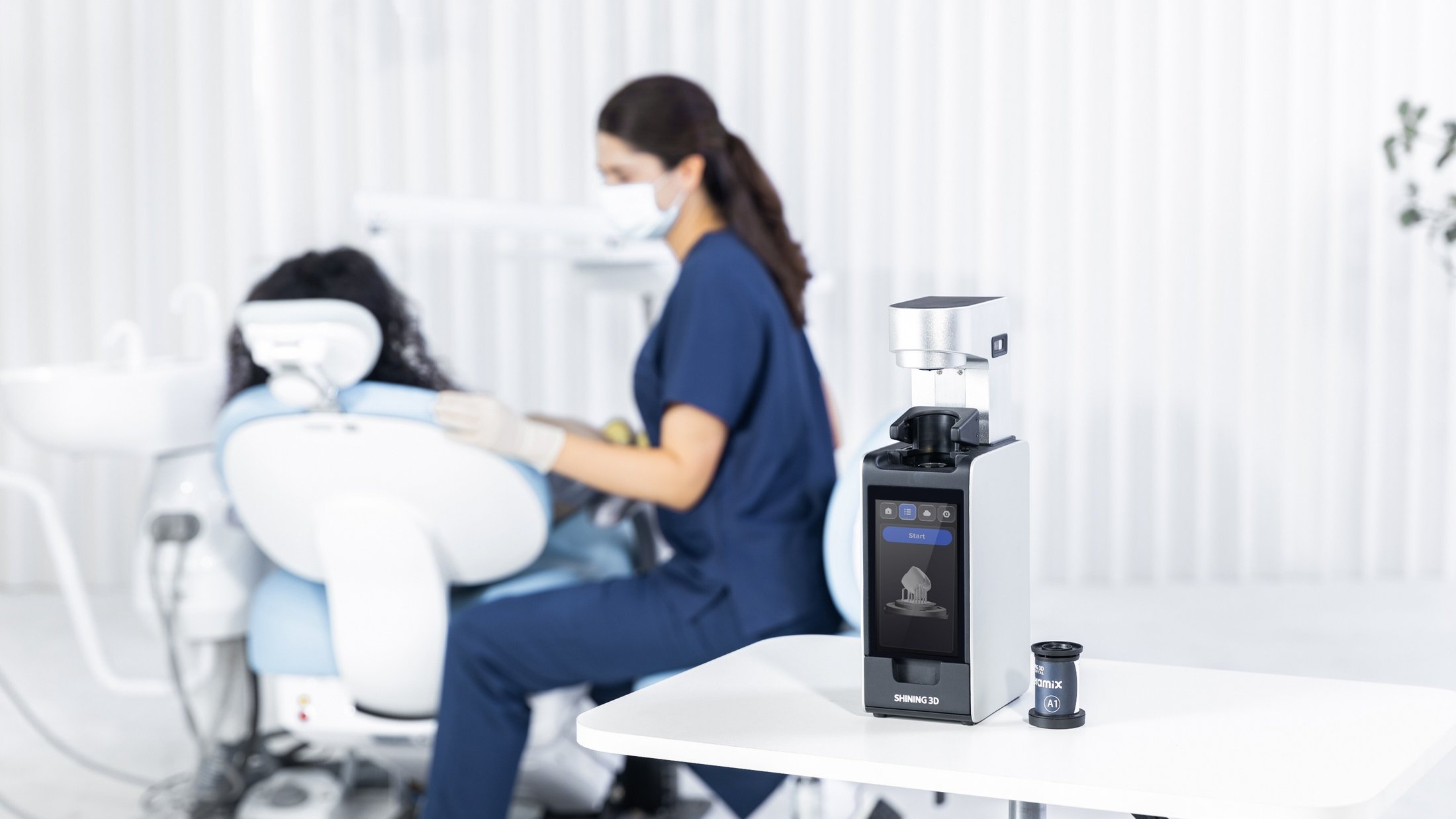
The launch is selling a workflow, not a footprint
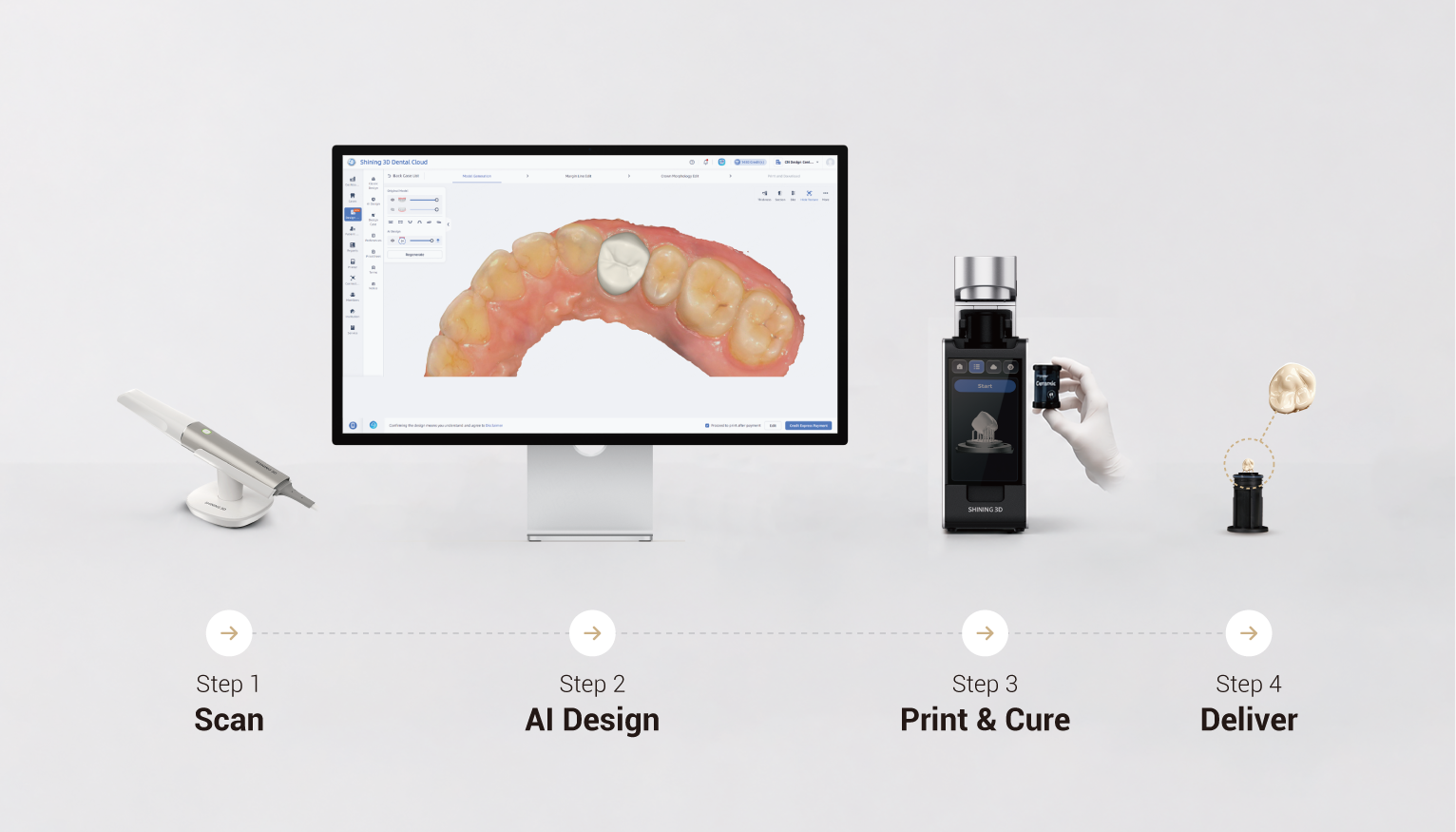
The small footprint gets the photos, but the numbers are the story. Shining 3D describes a scan-to-restoration workflow that can wrap in as little as 30 minutes: crown design under 2 minutes, an 8-11 minute print cycle, and 3 minutes of curing. The company also says the printer uses APS technology and combines printing and curing in one unit.
So don't size it up like a generic open-material dental 3D printer. Size it up as a focused restoration system: scan data, AI-supported design, capsule material, print prep, curing, finishing, and clinical sign-off. If one of those steps is weak, the headline speed stops meaning anything.
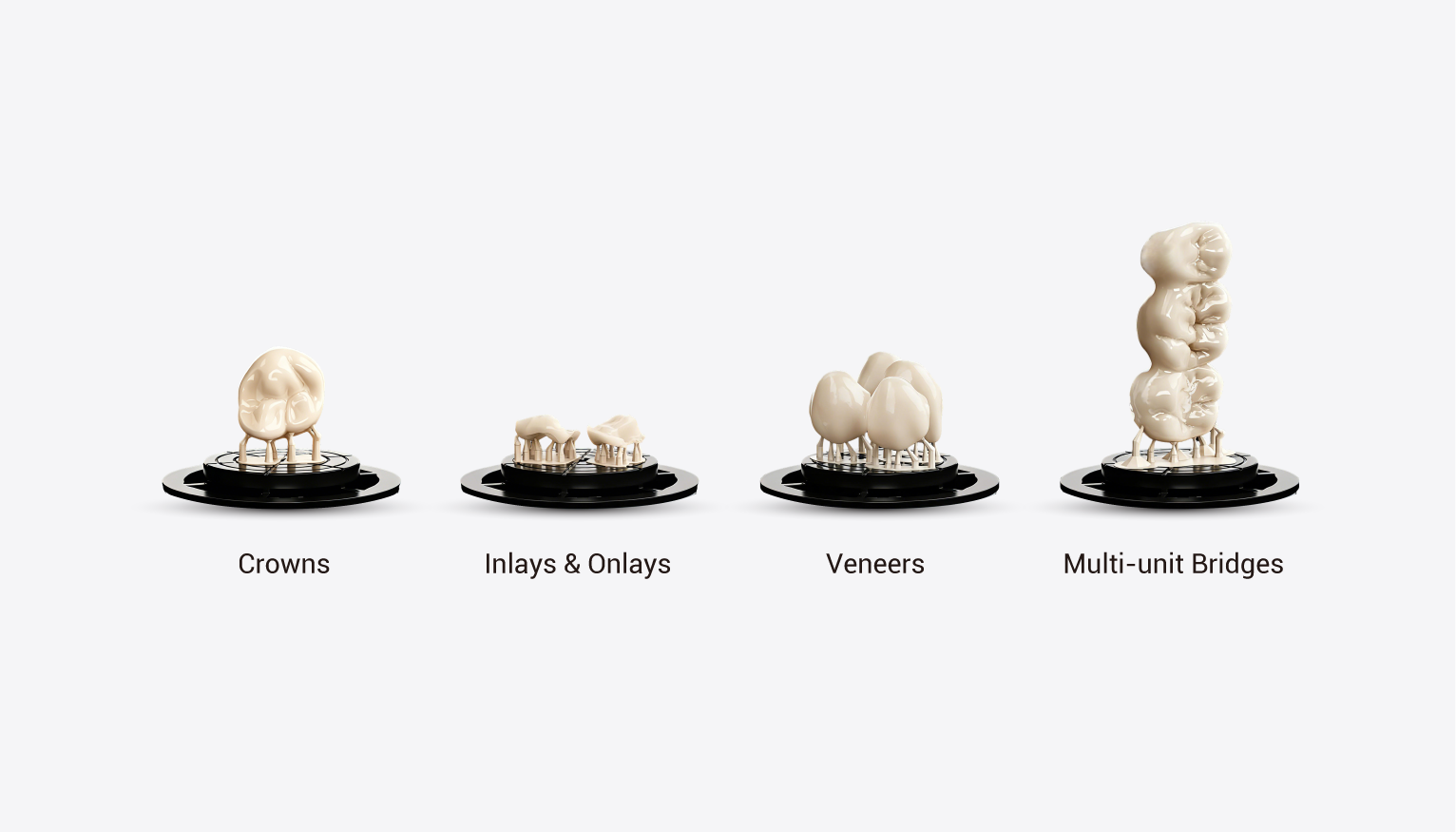
What Ceramix-Nano is meant to produce
Shining 3D's release names permanent ceramic crowns, veneers, inlays, onlays, and Maryland bridges as the target categories. That doesn't mean you open with all of them on day one. Build the first order around the cases your team can scan, design, approve, finish, and seat without second-guessing.
Pick the first use case before you pick the package. If your first real case is a single posterior crown, your setup should look nothing like an office rolling out multiple anterior restorations or a full same-day restorative menu.
The capsule material decision comes before checkout
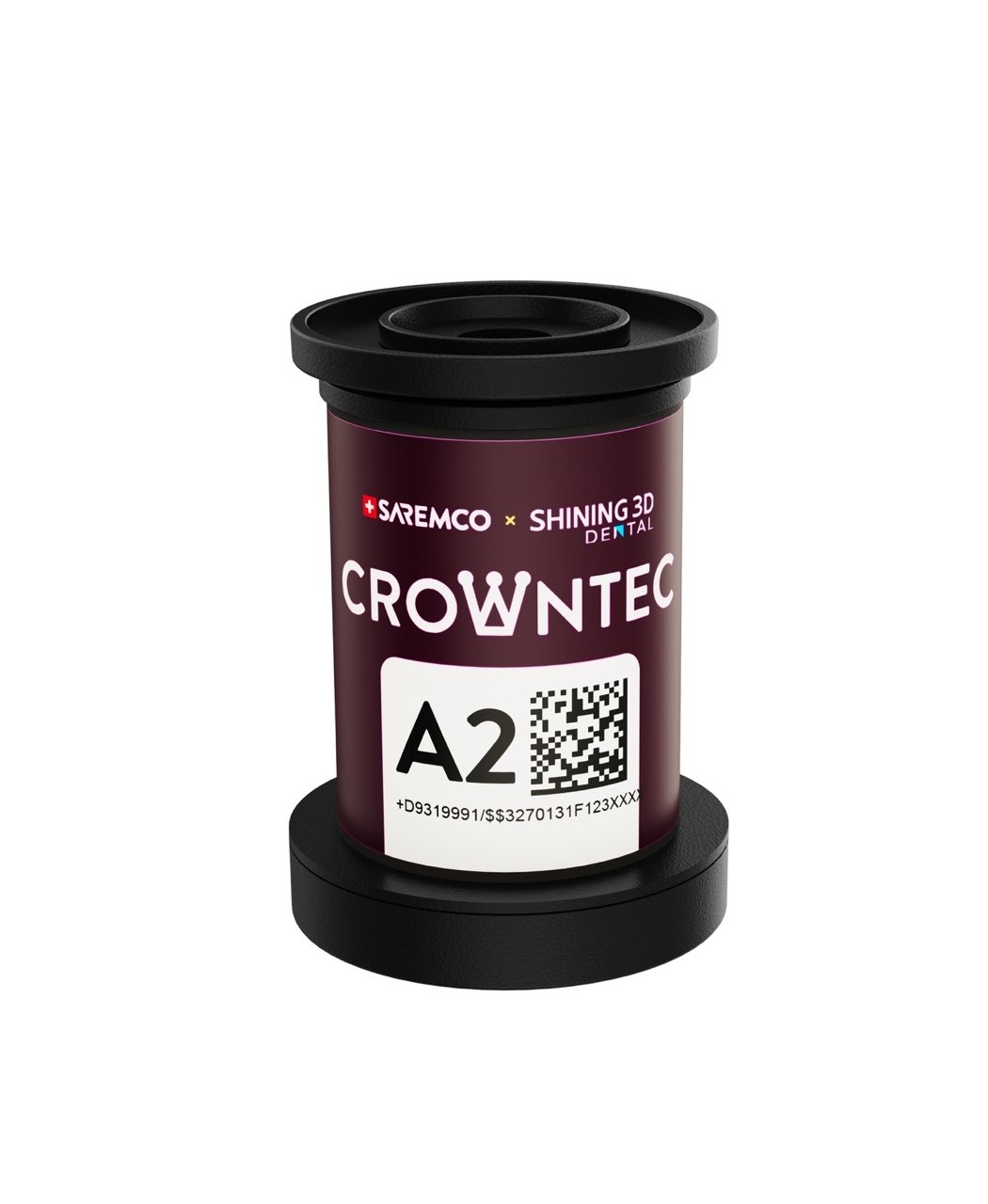
Shining 3D calls LumiCera CB200 the optimized high-ceramic resin capsule material for the Ceramix-Nano and lists five VITA shades: BL, A1, A2, B1, and C2. The release also notes support for SAREMCO CROWNTEC if you already have a material you trust.
Don't skip the material question. A compact capsule workflow only helps when the first shade set matches the cases actually coming through your door. Before you check out, know which shades you need first, how many cases the first month realistically holds, and who signs off on the design before anything prints.

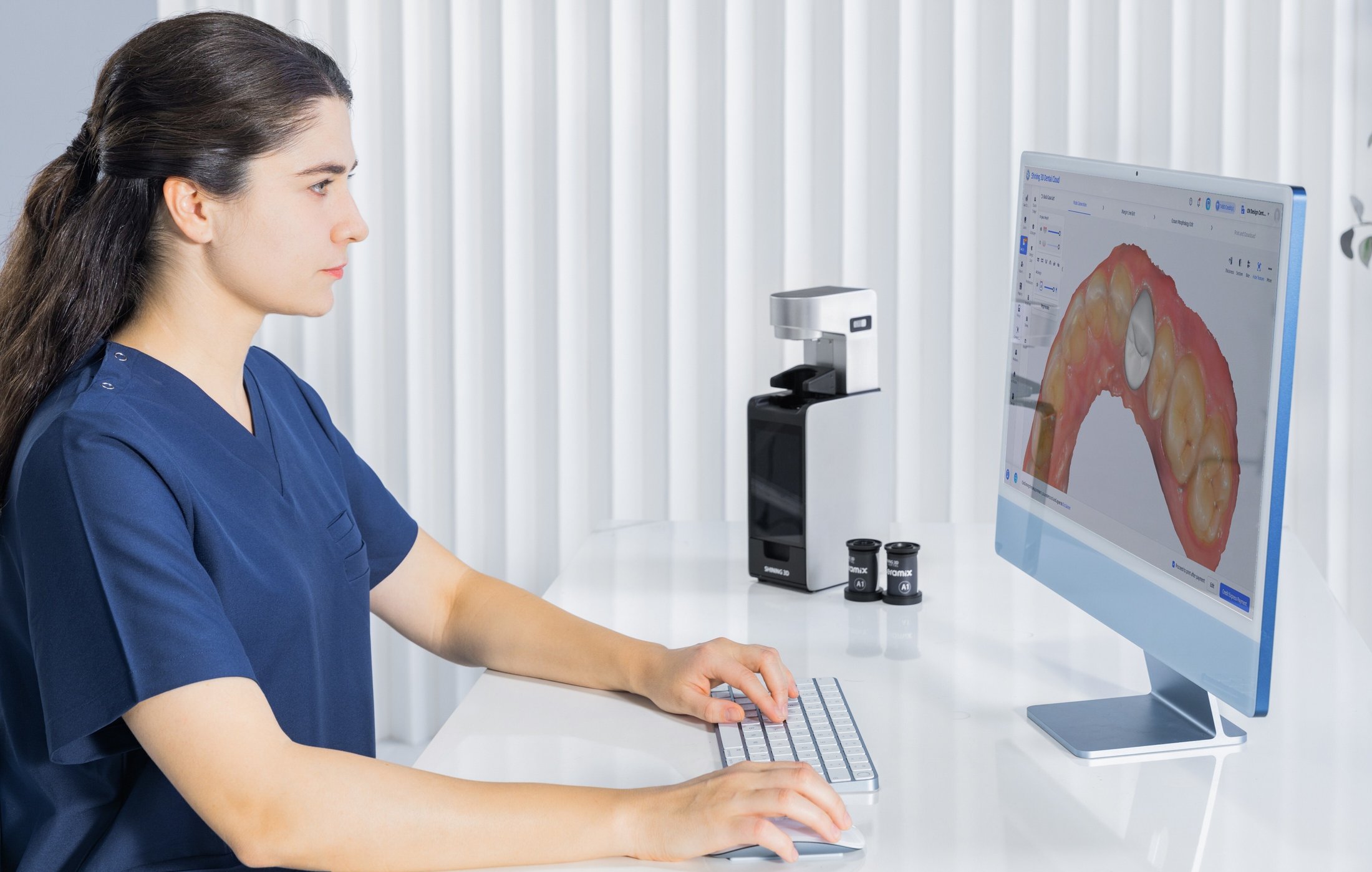
Four questions to answer before you order
A clean Ceramix-Nano buying decision answers four questions before the order goes in:
- Which restoration category is the first practical use case?
- Which LumiCera CB200 shades should be stocked first?
- How many AI design credits and support hours are needed for launch?
- Which cases should stay outside the workflow until the team has more experience?
Specs are everywhere. The harder calls are whether the Ceramix-Nano belongs in your chairside workflow right now, what goes in that first usable bundle, and what kind of support gets the early cases out the door clean.
Dentcore takeaway: Buy the Ceramix-Nano as a restoration workflow, not a printer on its own. A good order includes the printer, capsule shade planning, AI design credits, support, and a clear boundary around which cases stay out at first.
Next step: Review Dentcore's Ceramix-Nano page or request help building the first order around your real cases.
Open Dentcore Ceramix-NanoSource reviewed: Shining 3D Dental official Ceramix-Nano launch release.
Related Dentcore guides
Important note: Product specifications, indications, FDA status, material compatibility, availability, workflow timing, and pricing can change. This article is Dentcore's buyer-focused summary and planning guide. Always confirm current manufacturer documentation and Dentcore's final quote before purchasing or changing a clinical workflow.