
Asiga MAX 2 Dental 3D Printer Guide
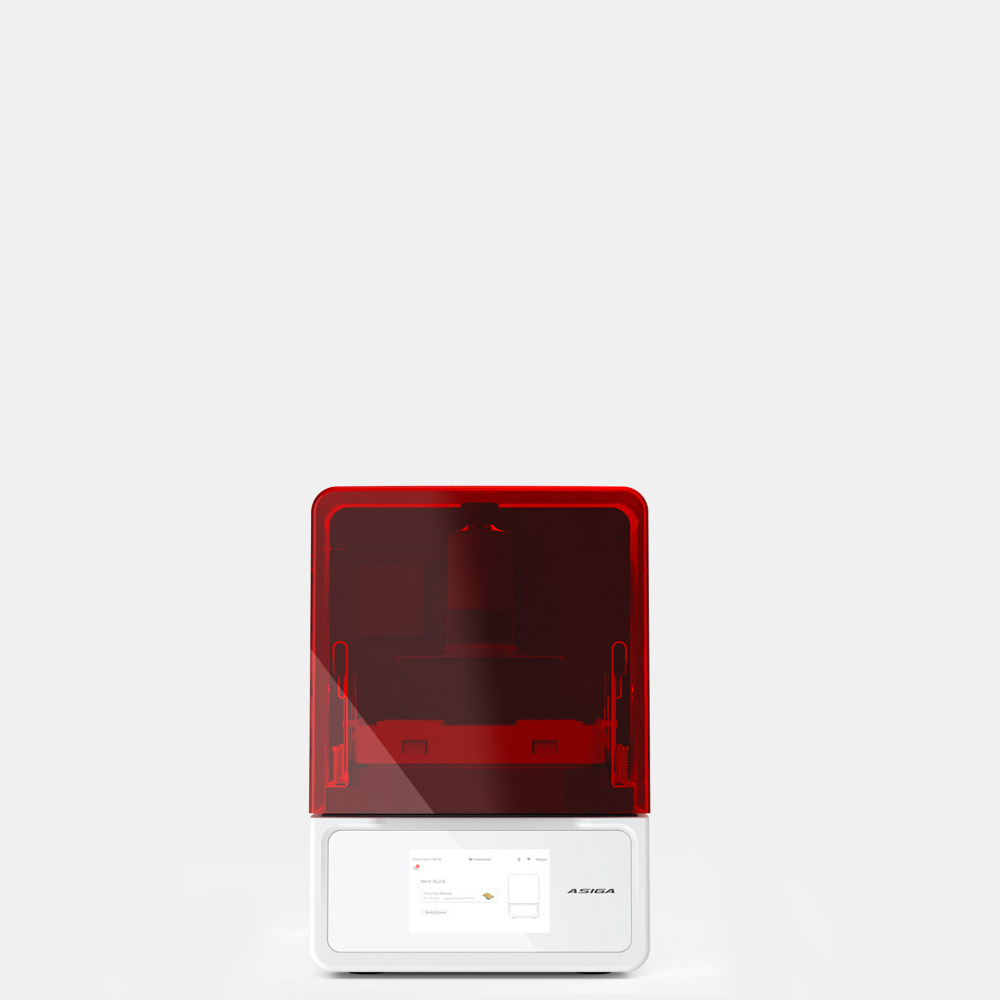
The Asiga MAX 2 is the benchtop workhorse in Asiga's range, the printer most labs and practices reach for when they want production-level reliability without a floor-standing machine. It is the model that earned Asiga its reputation in dental, and the MAX 2 carries that forward with chamber heating, surface-finish technology, and a clear-material mode. Here is what it does and who it suits.
Specifications at a glance
| Specification | Asiga |
|---|---|
| Imaging | DLP |
| XY pixel | 50 µm or 62 µm |
| Light source | 405 nm (MAX UV: 385 nm) |
| Resin temperature | On-board chamber heating |
| Surface finish | UltraGLOSS technology |
| Clear materials | Transparent Mode |
| Material system | Open architecture, 500+ qualified resins plus custom profiles |
| LIFT compatible | Yes (LIFT and UltraGLOSS LIFT build trays) |
| Software | Asiga Composer, lifetime updates |
Chamber heating keeps resin behaving the same
Resin viscosity changes with temperature, and viscosity affects how cleanly each layer forms and separates. A cold morning and a warm afternoon can produce subtly different parts from the same file. The MAX 2 holds the resin at a controlled temperature with on-board chamber heating, which matters most for temperature-sensitive materials such as denture-base and flexible resins. The payoff is consistency: the printer behaves the same regardless of room conditions, so a validated case keeps printing to spec.
UltraGLOSS: less hand-finishing off the tray
UltraGLOSS is Asiga's surface-finishing technology. It produces smoother parts directly off the build tray, which means less manual polishing and a better finish on provisional restorations before they ever reach the bench. The value is time. Every minute saved on post-print finishing is repeated on every unit, so the gain compounds across a production day rather than showing up on a single case.
Transparent Mode for clear cases
Clear and water-clear resins are easy to over-cure at the surface, which clouds the part and loses the optical clarity the case depends on. Transparent Mode adjusts the exposure to prevent that surface over-curing, so aligners and surgical guides come off the tray optically clear. For a lab doing clear aligner work or transparent guides, this is a specific, useful control rather than a marketing line.
Open materials, the Asiga constant
Like the rest of the Asiga range, the MAX 2 runs an open material system: more than 500 pre-qualified resins, plus the ability to create and save your own profiles for specialty materials the library does not cover yet. You are not tied to one vendor's resin or pricing. The MAX 2 is also LIFT-compatible, so it accepts Asiga's LIFT and UltraGLOSS LIFT build trays for faster, lower-peel-force printing. It ships with Asiga Composer and lifetime software updates.
Where the MAX 2 fits
The MAX 2 is the middle of the Asiga range, and for many dental labs it is the right middle. It gives you production-grade heating and finish control in a benchtop footprint, without the floor space or cost of the Pro 4K. If your volume outgrows a single benchtop printer, the Pro 4K's larger platform is the step up. If you need the finest pixel for high-aesthetic anterior work, look at the Ultra. For everyday models, guides, provisionals, and denture work at a practical scale, the MAX 2 is the default for good reason.
See the Asiga MAX 2 at Dentcore
Dentcore is a U.S. Asiga distributor. Review the MAX 2 benchtop printer, LIFT tray options, and the open material workflow.
View Asiga MAX 2Compare Asiga UltraBrowse all Asiga printers and post-processing →