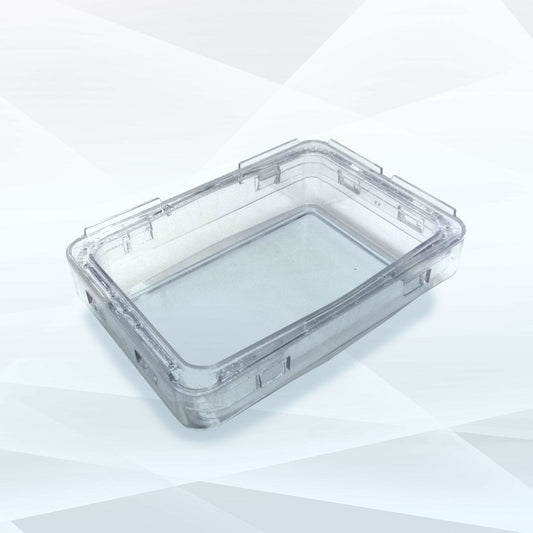
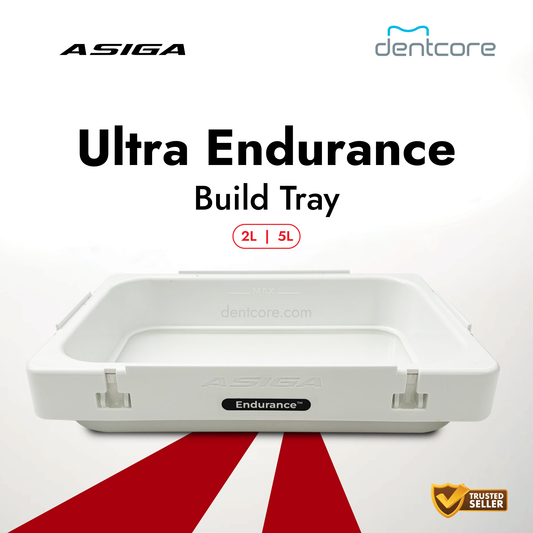
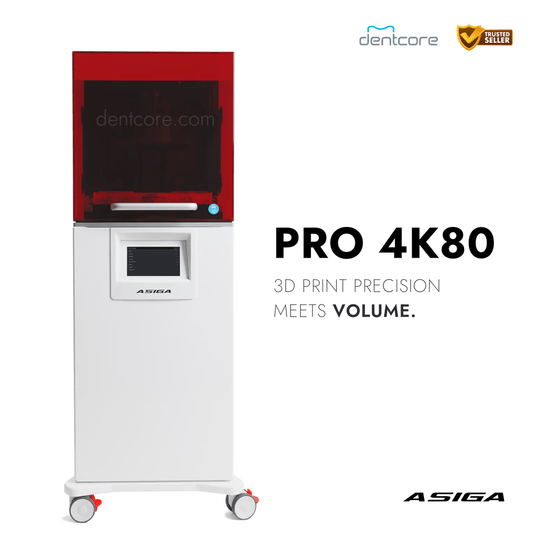
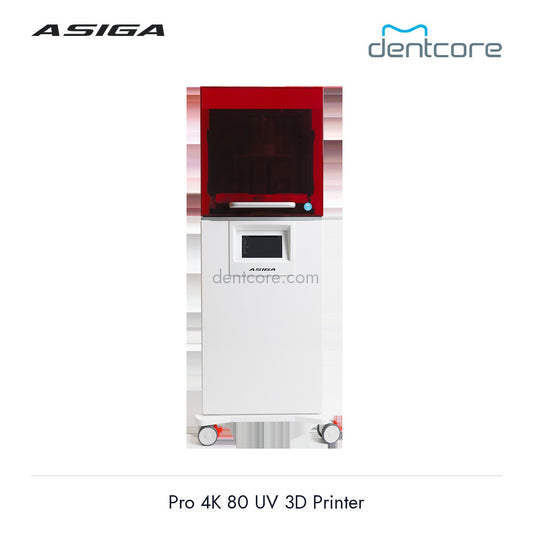
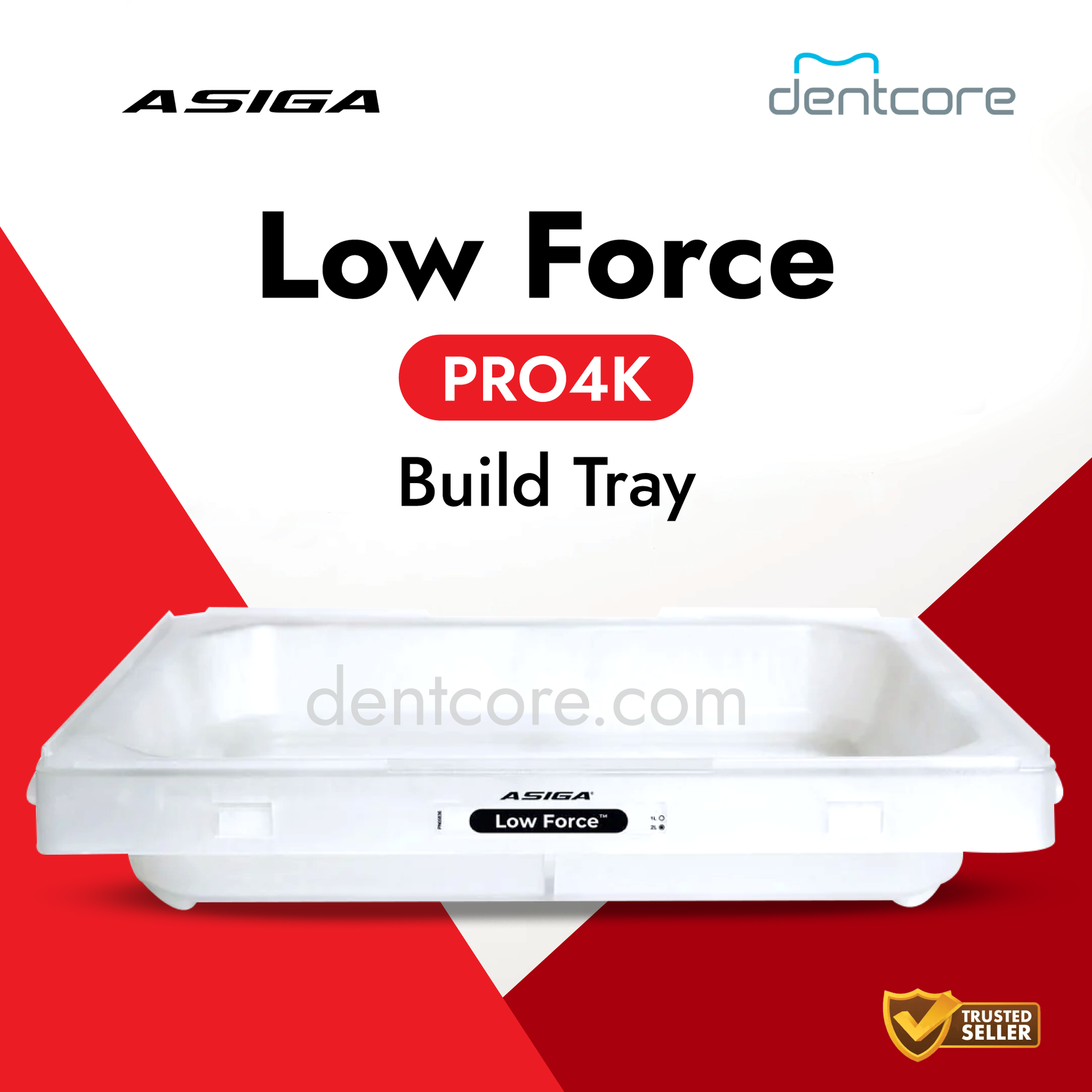
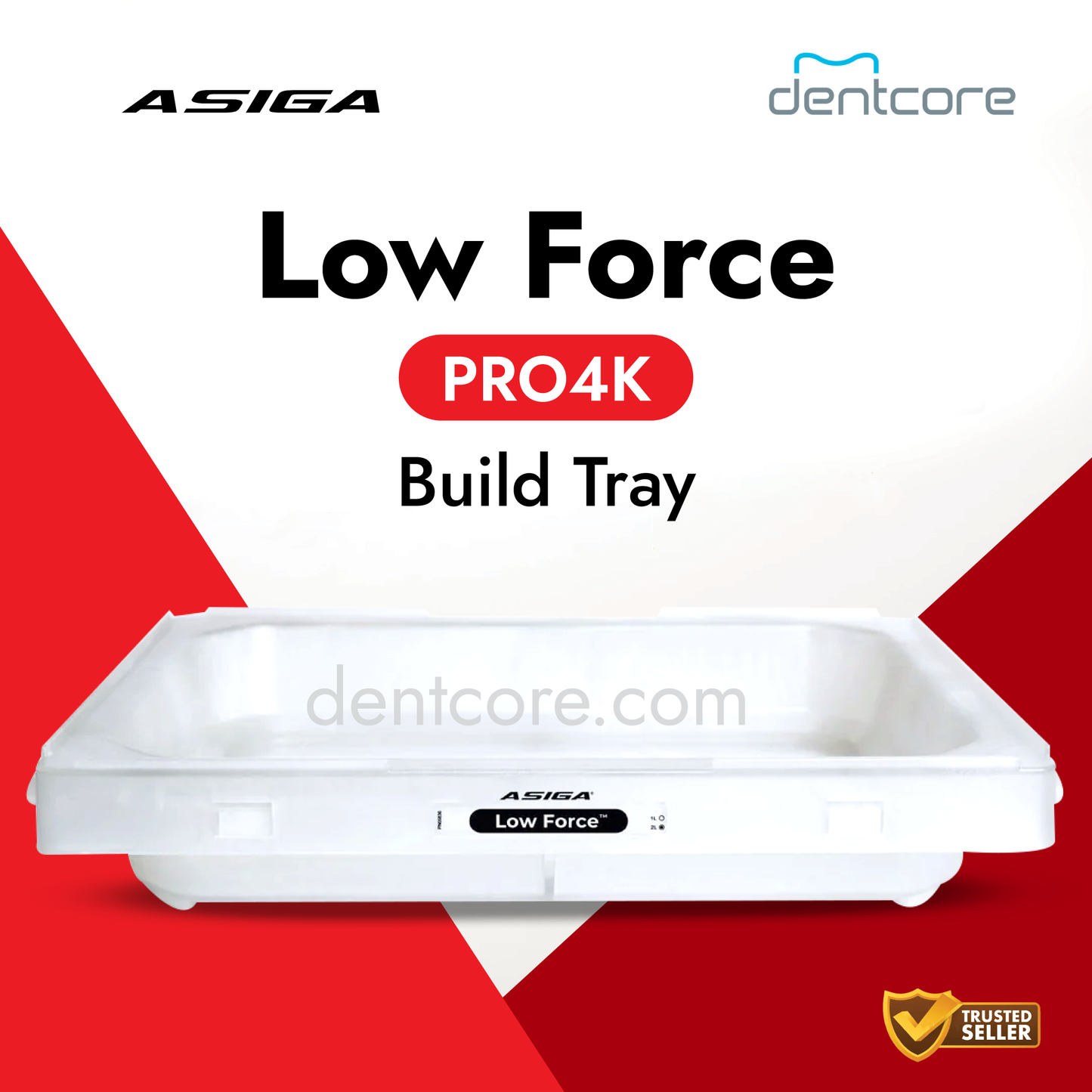
Select the tray for your Asiga PRO 4K printer, then choose the listed capacity and surface type. Match the complete option name before adding it to your cart.
What the liter rating means
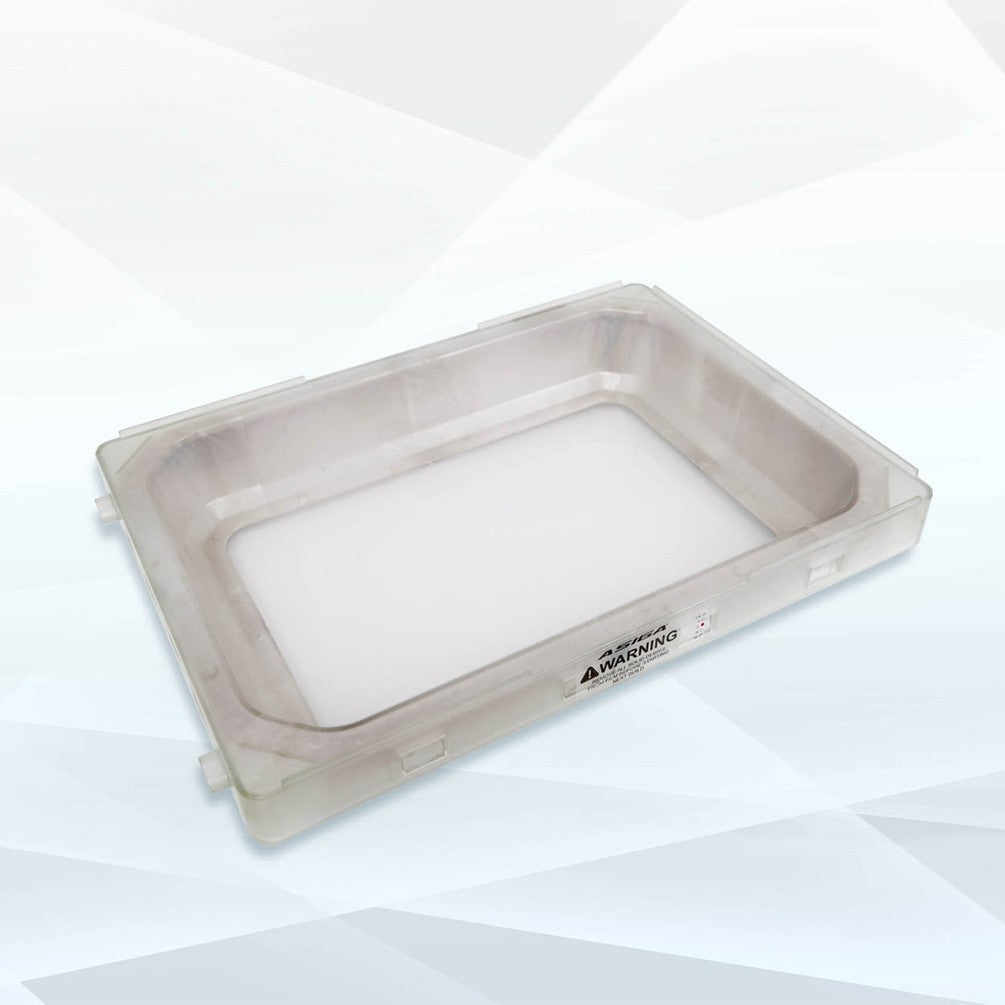
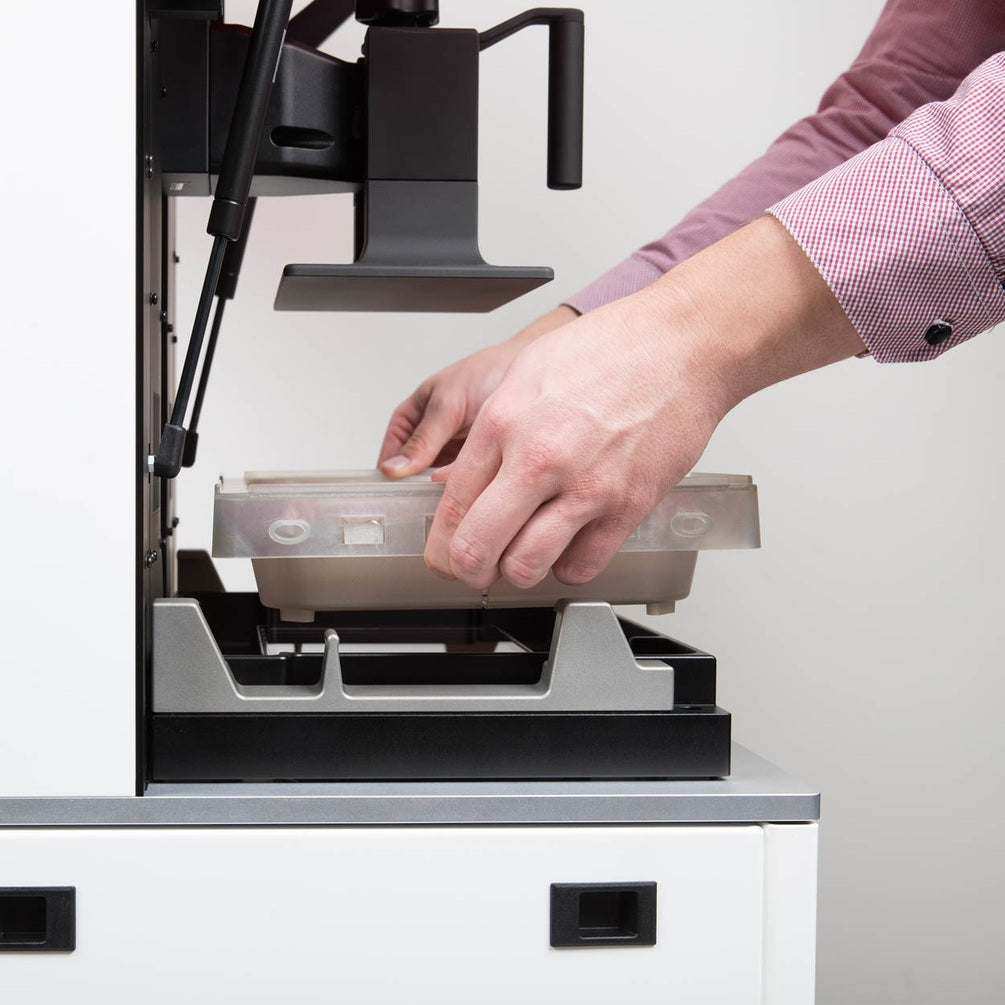
The liter rating is the cumulative amount of resin the tray can print before its usage limit is reached. It is not the amount to pour into the tray at one time. Follow the printer's filling instructions and monitor both tray usage and the condition of the film.
Choose the surface type
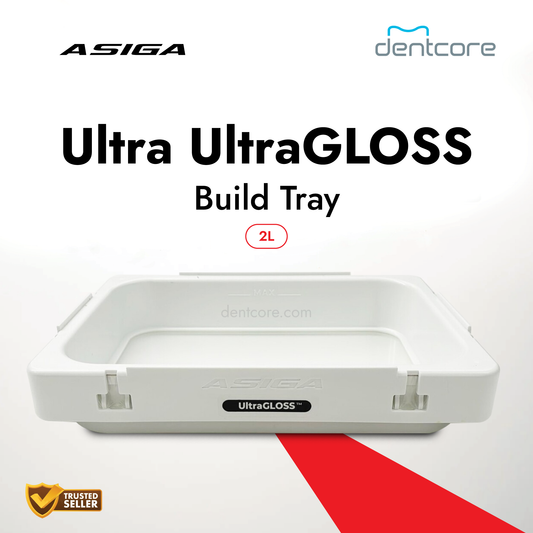
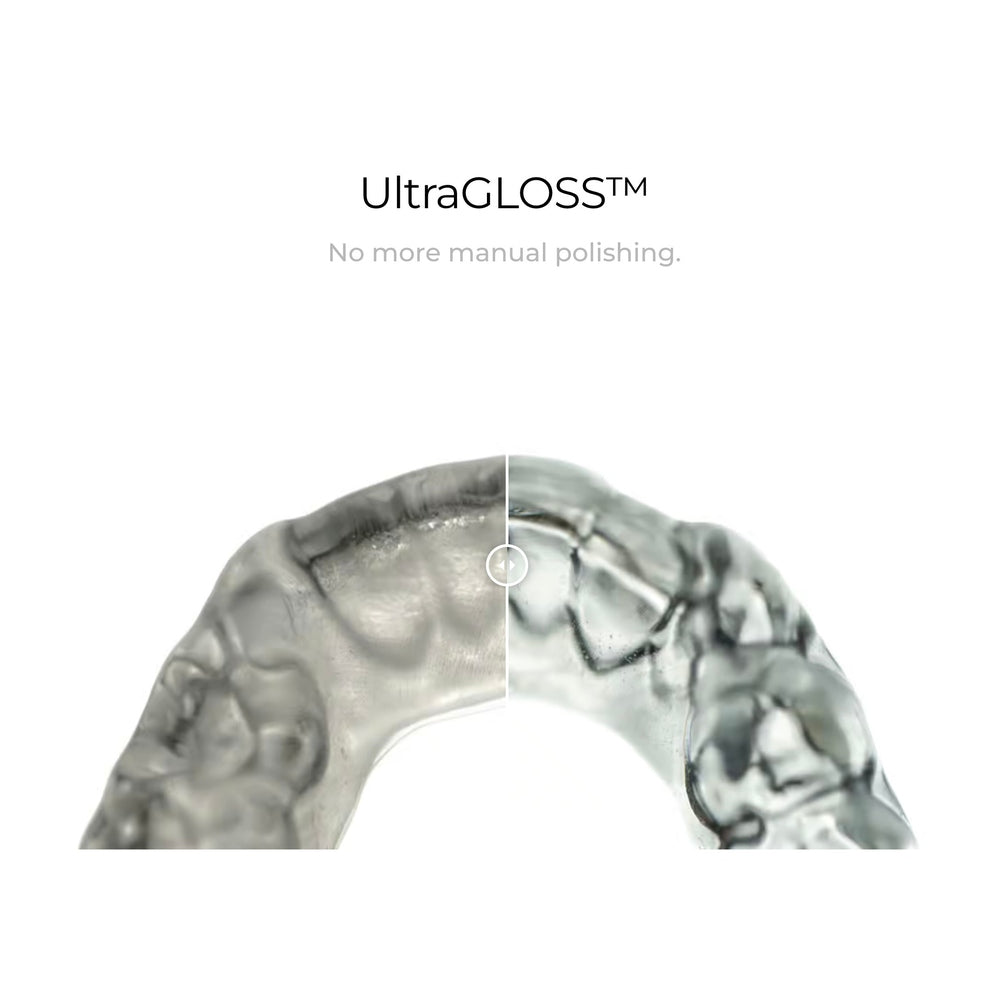
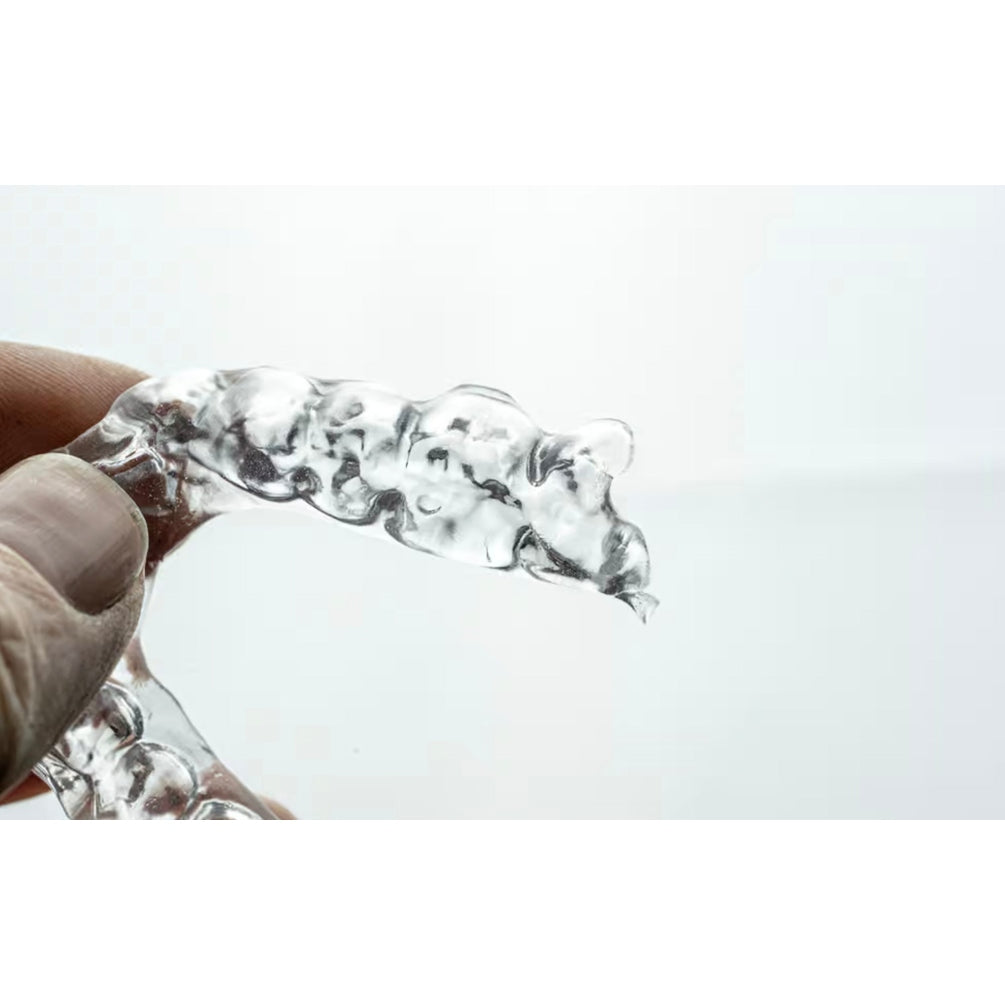
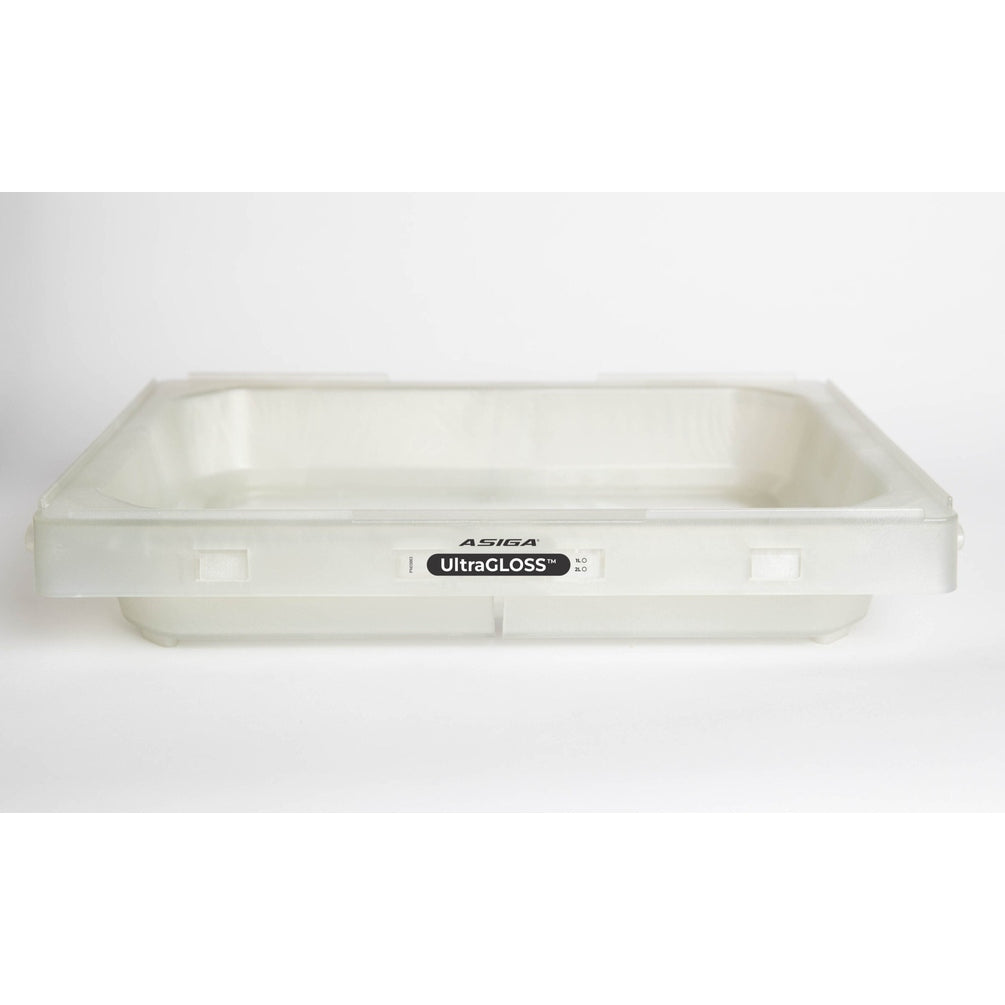
The standard options listed here are 2 Liter, 5 Liter and 10 Liter. Choose the separately labeled 2 Liter - UltraGLOSS option when you need the UltraGLOSS surface for clear parts such as splints or night guards.
UltraGLOSS produces a glossy surface. Washing, curing and other processing steps must still follow the selected material manufacturer's instructions for use.
Match the printer and accessory
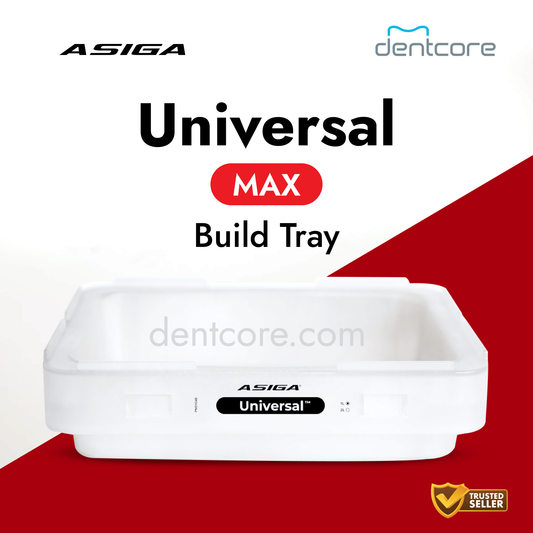
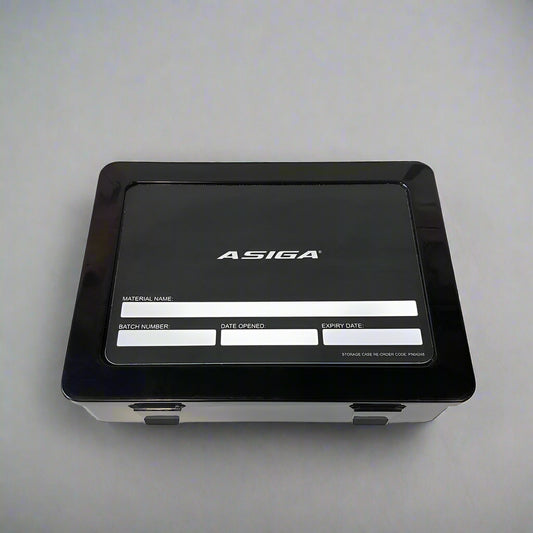
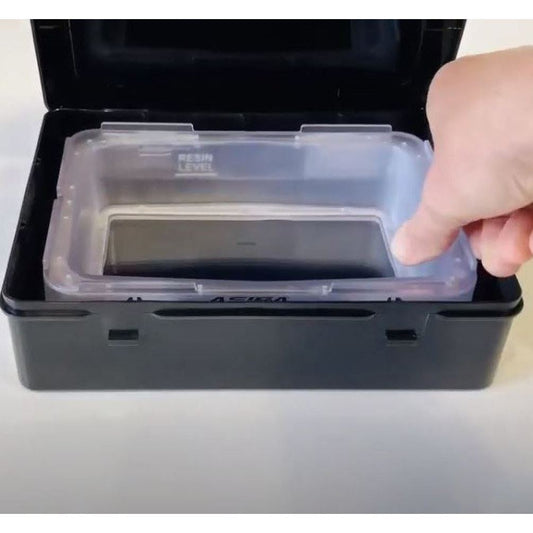
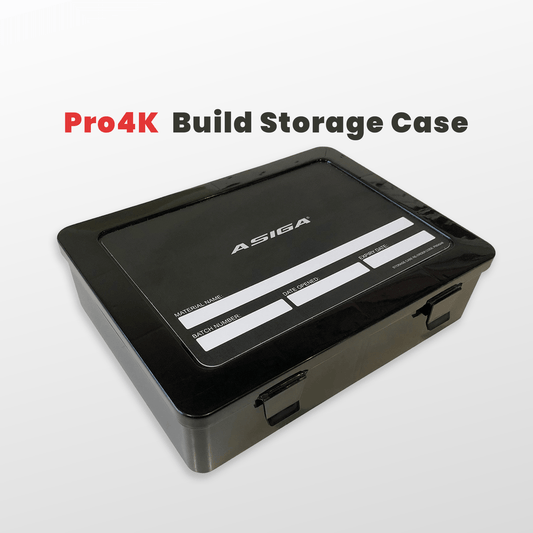
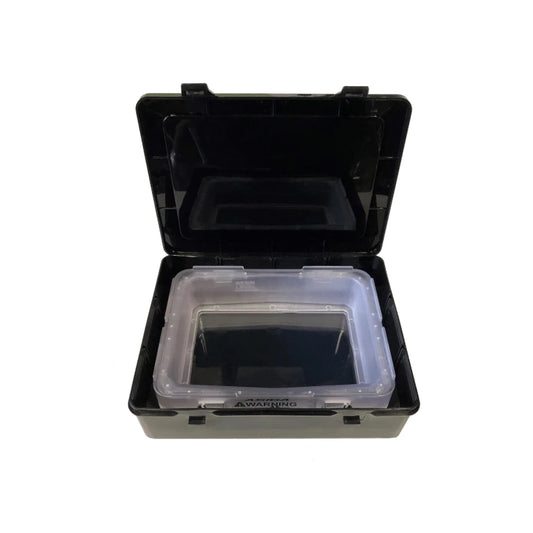
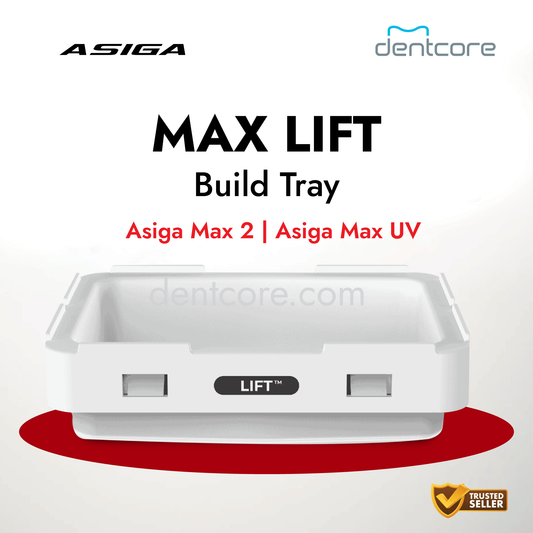
This listing is for PRO 4K trays. For MAX 2 / MAX UV, use the MAX 2 / MAX UV build tray listing. A build tray storage case is a separate storage accessory.
Keep materials separate
Keep a dedicated tray for each material you use regularly. Follow the printer and resin instructions for handling, cleaning and storage when changing materials.
Confirm the printer model, selected option and current availability before ordering. Follow Asiga's current tray-care instructions.

 Sale
Sale